agent ·
open-design
🎨 The open-source Claude Design alternative. 🖥️ Local-first desktop app. 🖼️ Your coding agent becomes the design engine: prototypes, landing pages, dashboards, slides, images & video — real files,
Open Design: The open-source Claude Design alternative
> ⚡ **Open Design Cloud — the official model service.** One recharge to use GPT, Claude, Gemini, and DeepSeek inside Open Design: 20+ flagship models, zero config, billed by real token usage. [Try Open Design Cloud](https://open-design.ai/cloud/?utm_source=github&utm_medium=referral&utm_content=readme_try_cloud) > > 🏅 **The Open Design Fellow program is now open.** If you also believe design should be open — become an Open Design Fellow, shape the product alongside the core team, and help more people take part in defining the future of design. Details → [`MAINTAINERS.md`](MAINTAINERS.md) and [Discord](https://discord.gg/mHAjSMV6gz).

Website · Download · Open Design Cloud · Discord · Follow @OpenDesignHQ




English · Español · Português · Deutsch · Français · 简体中文 · 繁體中文 · 한국어 · 日本語 · العربية · Русский · Українська · Türkçe · ภาษาไทย
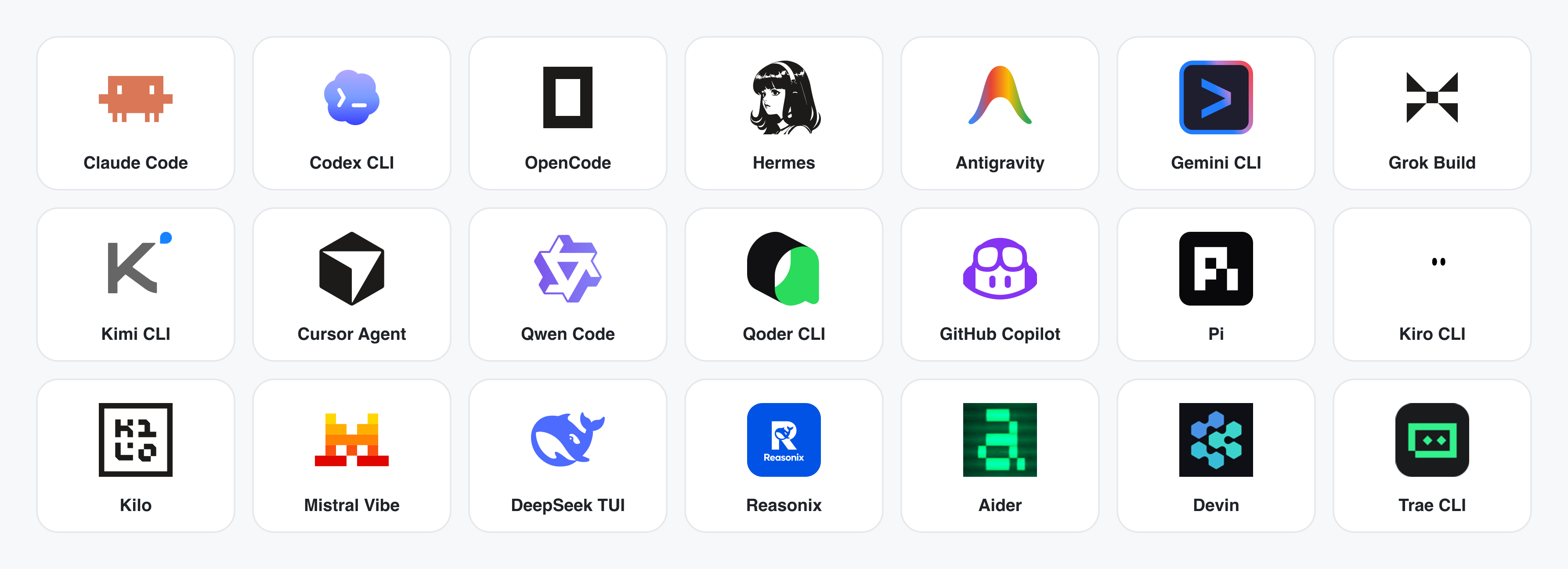
--- ## What is Open Design 🎨 **The open-source Claude Design alternative.** 🖥️ **Local-first native desktop app for macOS and Windows.** ⚡ **Composable skills, brand-grade `DESIGN.md` design systems, and ready-to-use plugins.** 🖼️ Generates **web · desktop · mobile prototypes**, **live dashboards / artifacts**, **decks**, **images**, **video**, plus **HyperFrames** motion graphics. 🔒 Sandboxed iframe preview · HTML / PDF / PPTX / MP4 export. 🤖 **Runs on DeepSeek Harness (`dsh`) · Claude Code · OpenClaw · Codex · Cursor · OpenCode · Qwen · Copilot · Amp · Hermes · Kimi · Antigravity and 26 distinct local CLI executables**, or any OpenAI-compatible endpoint via BYOK. Open Design is what you get when the **agent-native** loop Anthropic shipped with Claude Design — discover the brief, lock the direction, stream the artifact, critique, deliver — stops being closed and becomes a **filesystem of functional skills, rendering design templates, design systems, and plugins** that the coding agents already on your laptop can read, write, and remix. Your CLI becomes the design engine, your laptop becomes the studio, and your team's `DESIGN.md` becomes the brand contract. It's also the **Figma alternative for the agent era** — instead of pushing pixels on a canvas, it delivers single-page artifacts in real CSS, real fonts, real components, exported straight to HTML / PDF / PPTX / MP4 — already shaped by your design system, already runnable inside the agent you use every day. --- ## Product tour A quick look at what Open Design is and what it does. Start from **Home**, orchestrate repeat workflows with **Automation**, distill a brand contract in **Design System**, and extend with **Plugins** and **integrations**; inside any project's **Studio**, the same design system streams out prototypes, live artifacts, HyperFrames, decks, and images. ### Core pages
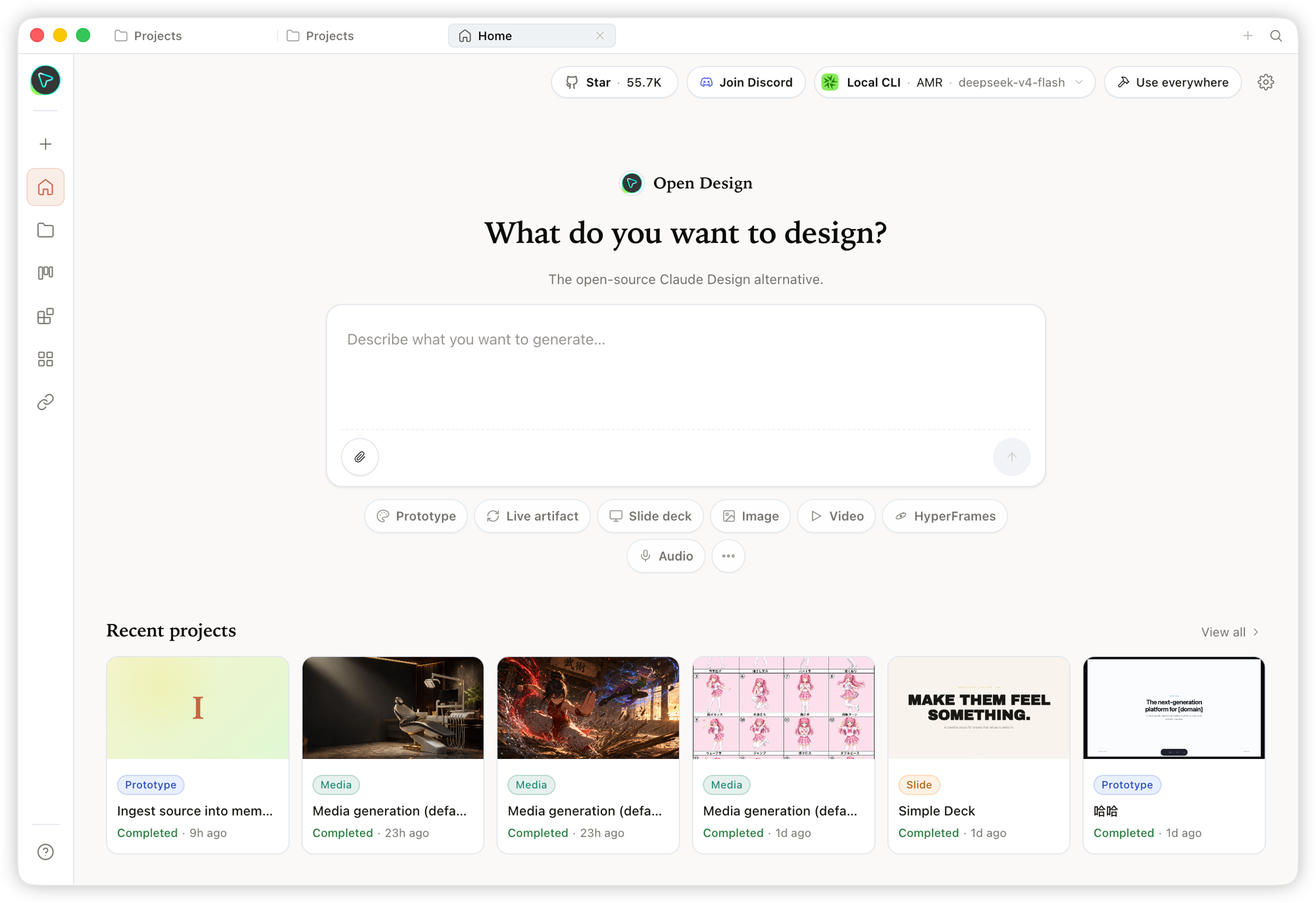 Home — the overview entry point. Pick a skill and a design system, type the brief, and kick off everything from one place. |
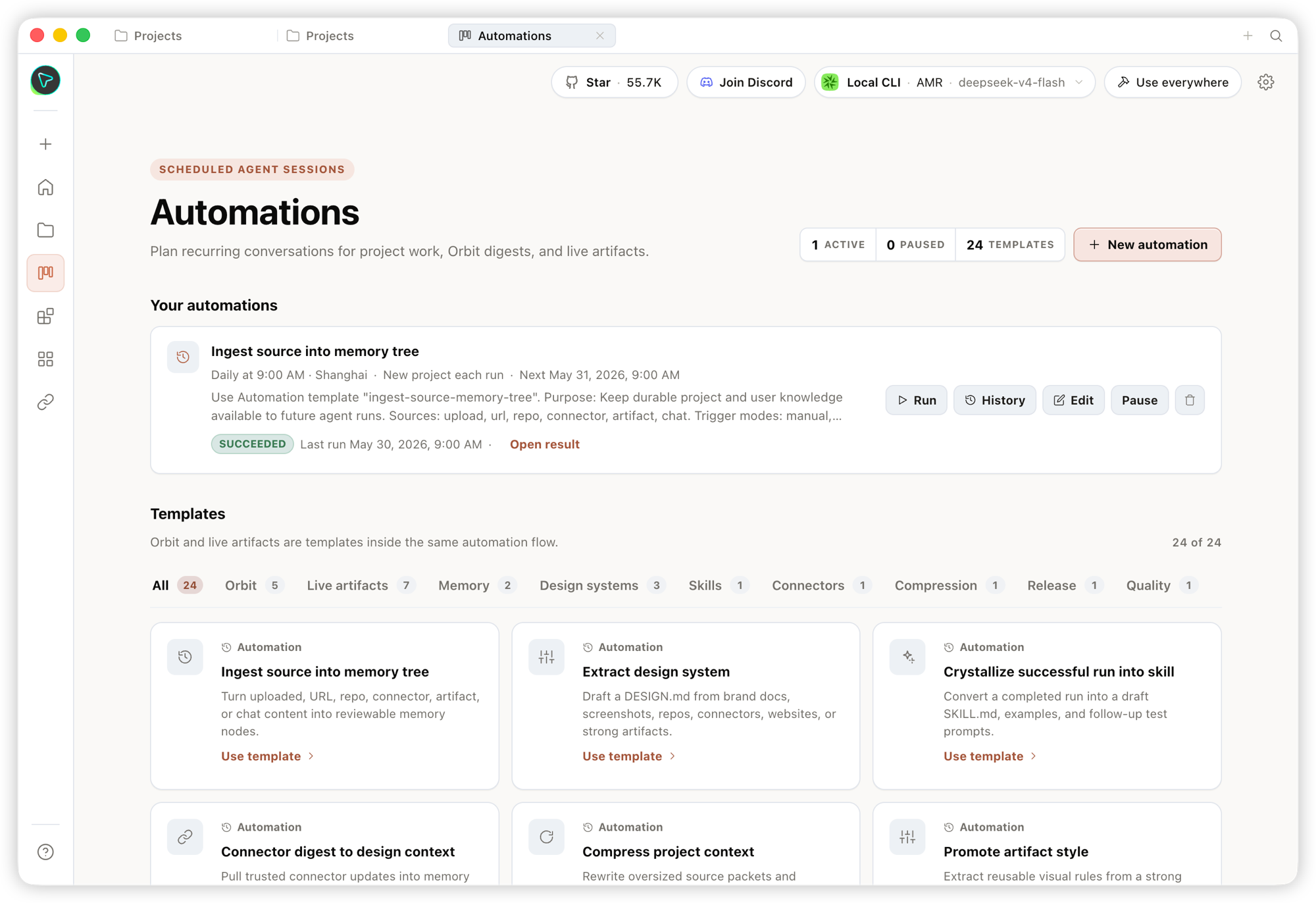 Automation — orchestrate repetitive design workflows into reusable, schedulable automations. |
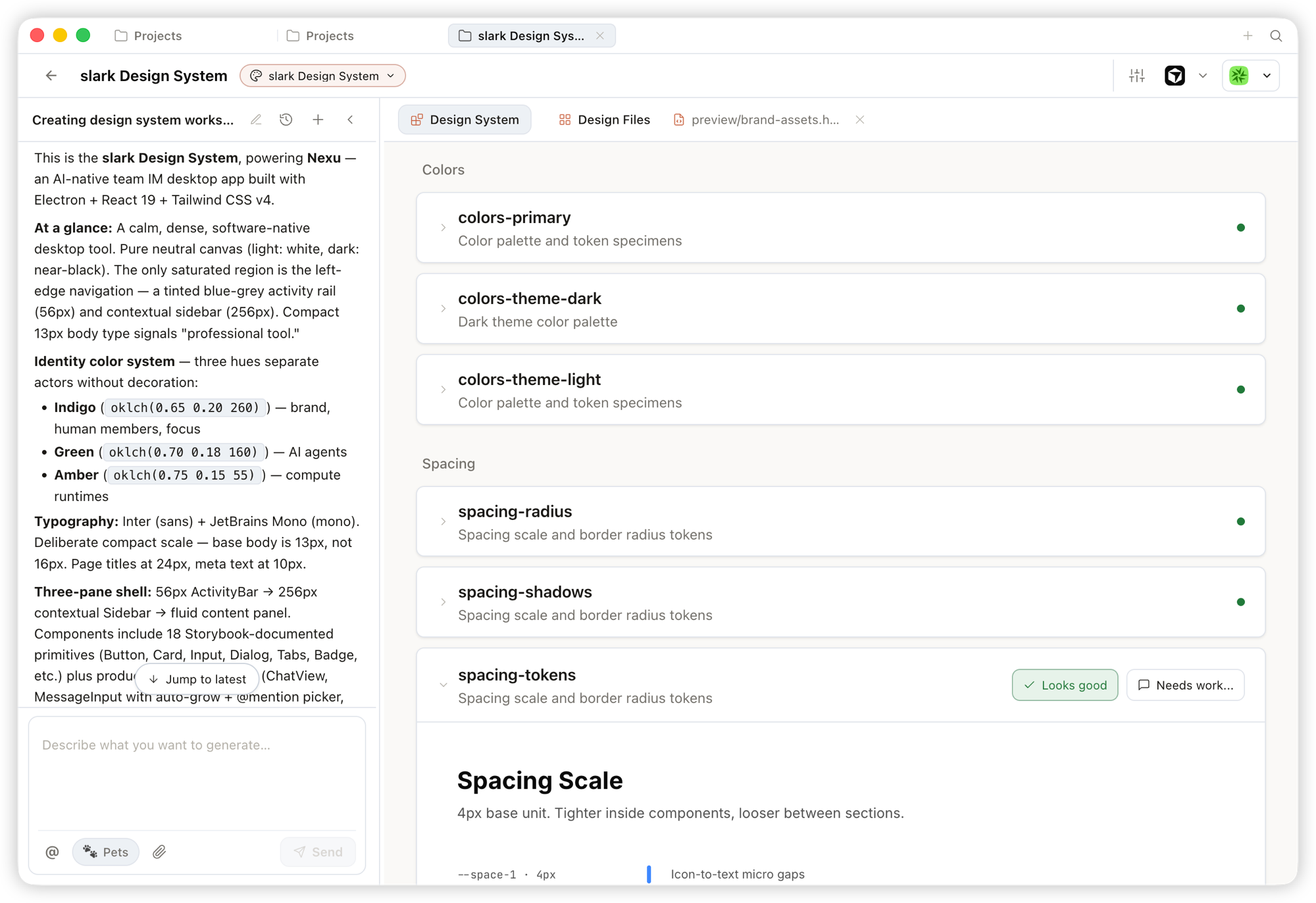 Design System — distill your team's DESIGN.md into a brand contract that shapes every output.
|
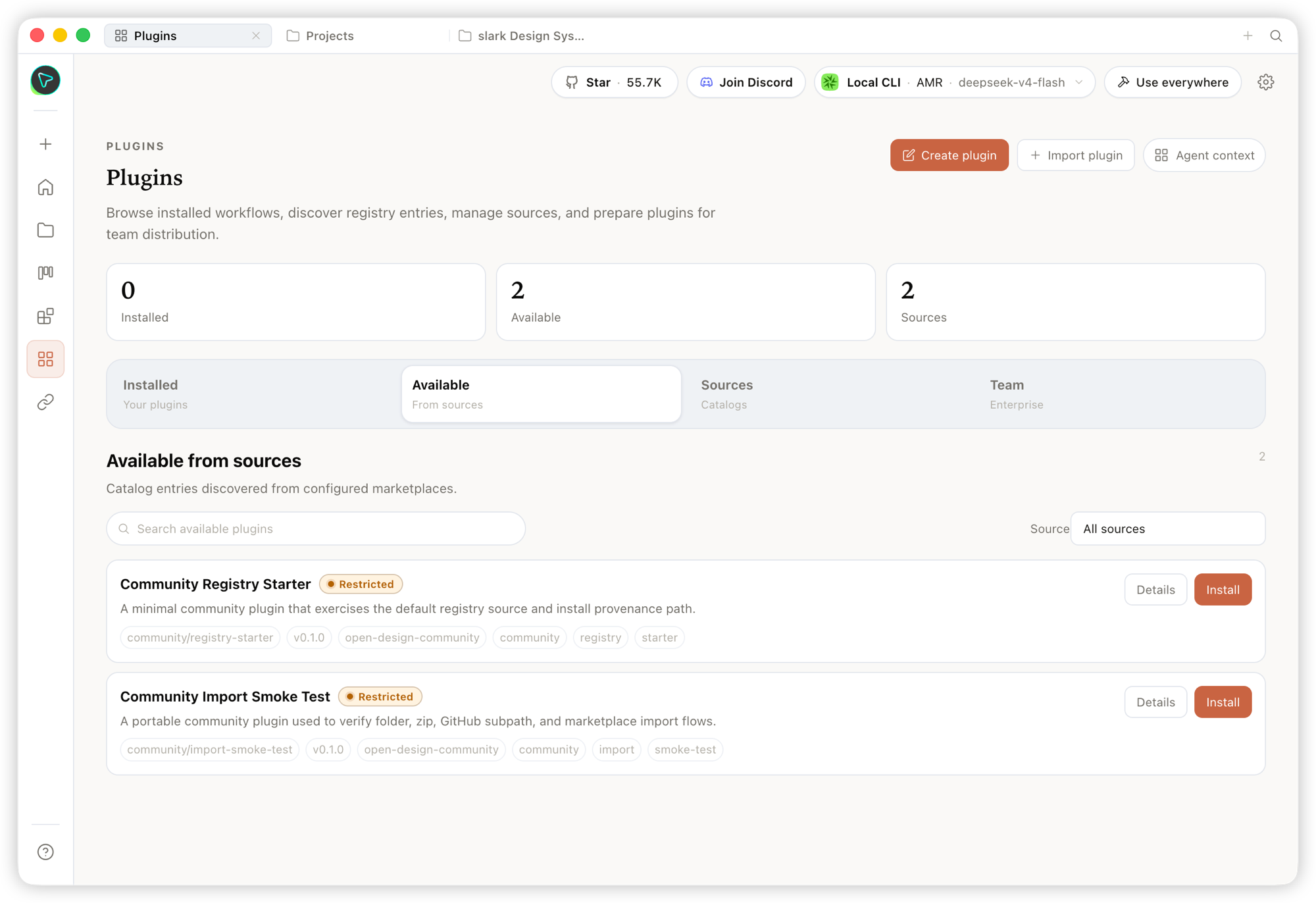 Plugin — browse, install, and distribute workflow plugins to extend generation on demand. |
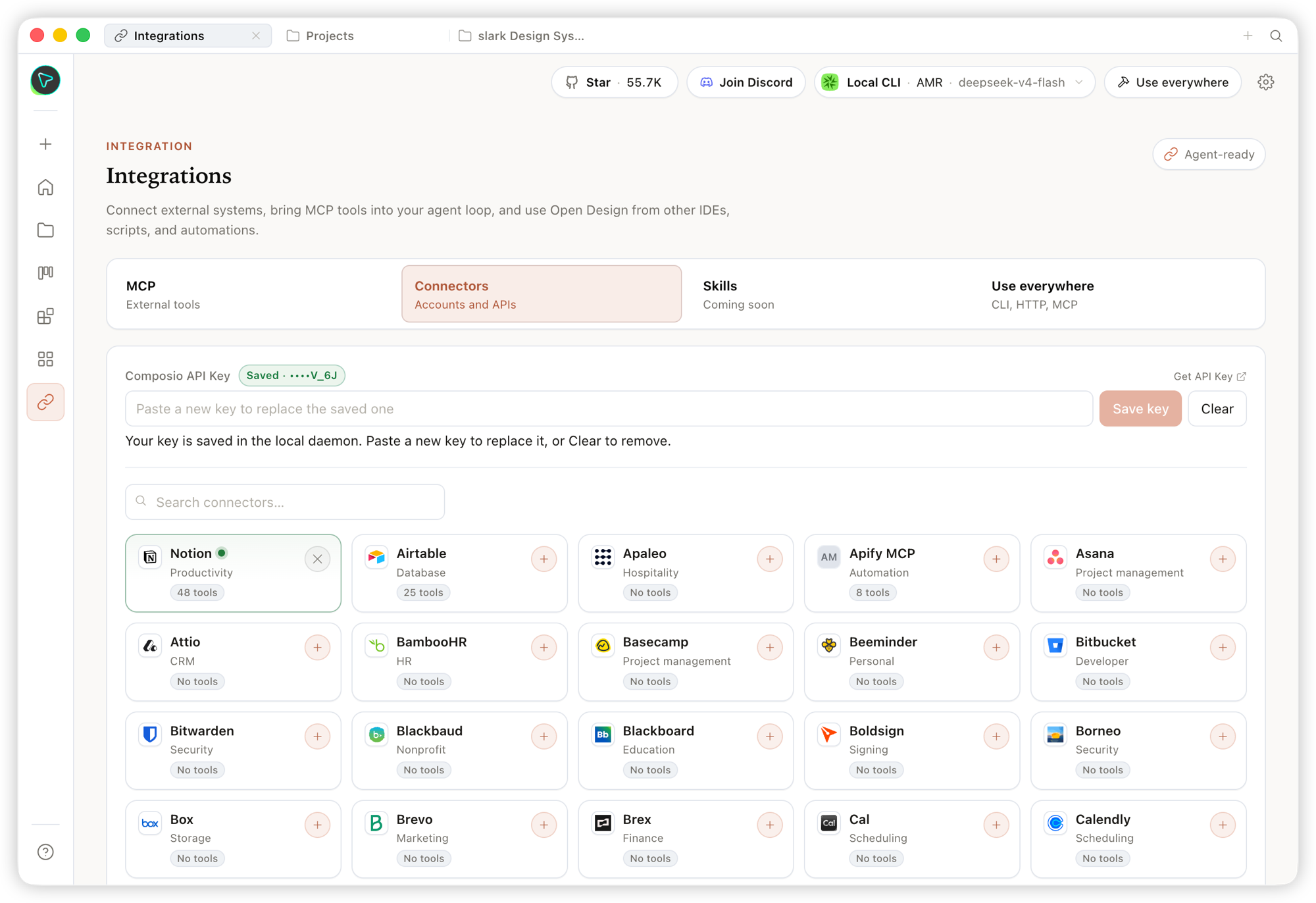 Integrations — connect external systems and MCP tools, and use Open Design from any IDE, script, or automation. |
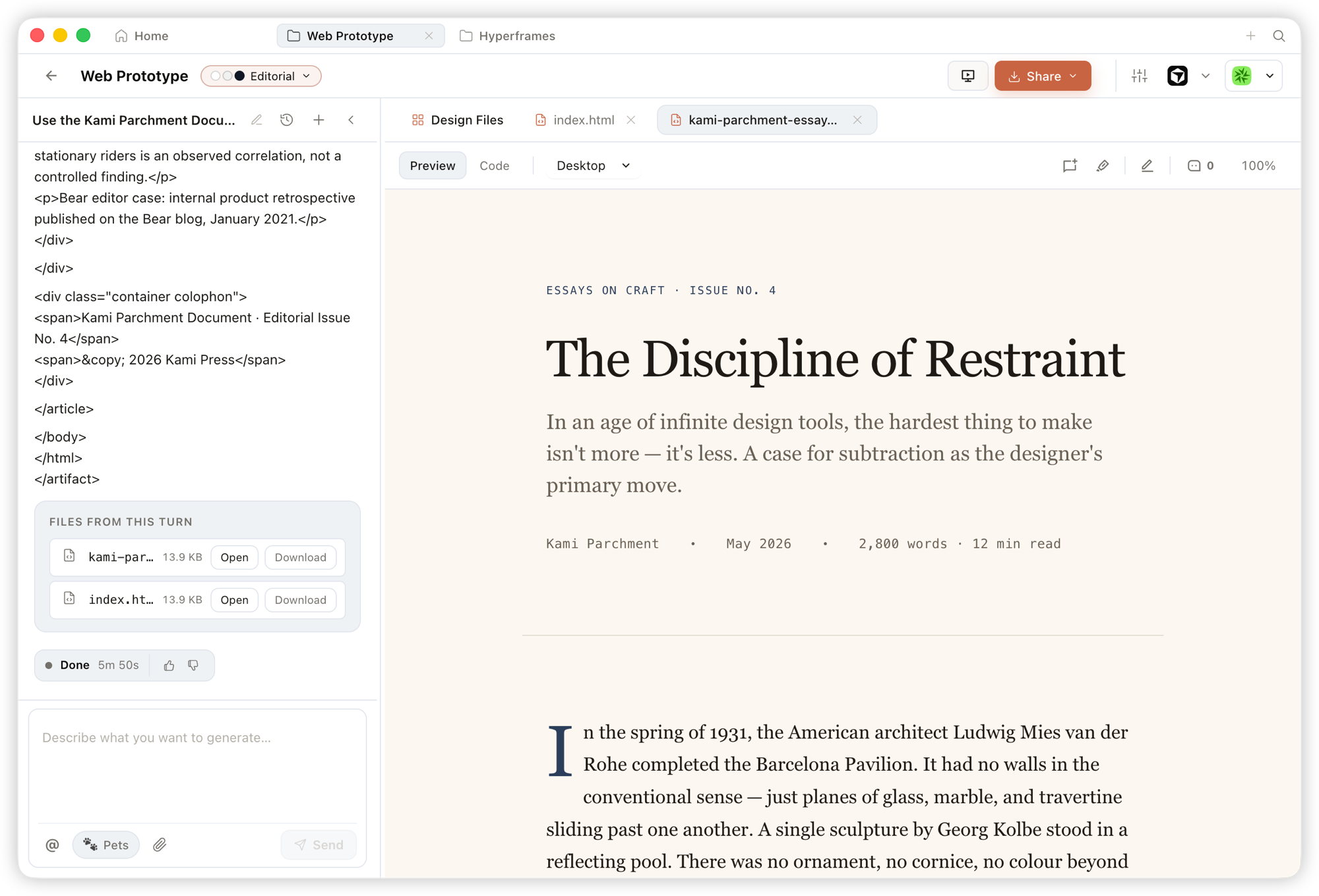 Prototype — single-page HTML artifacts that read your design system and render in a sandboxed iframe, previewable instantly and downloadable as source. |
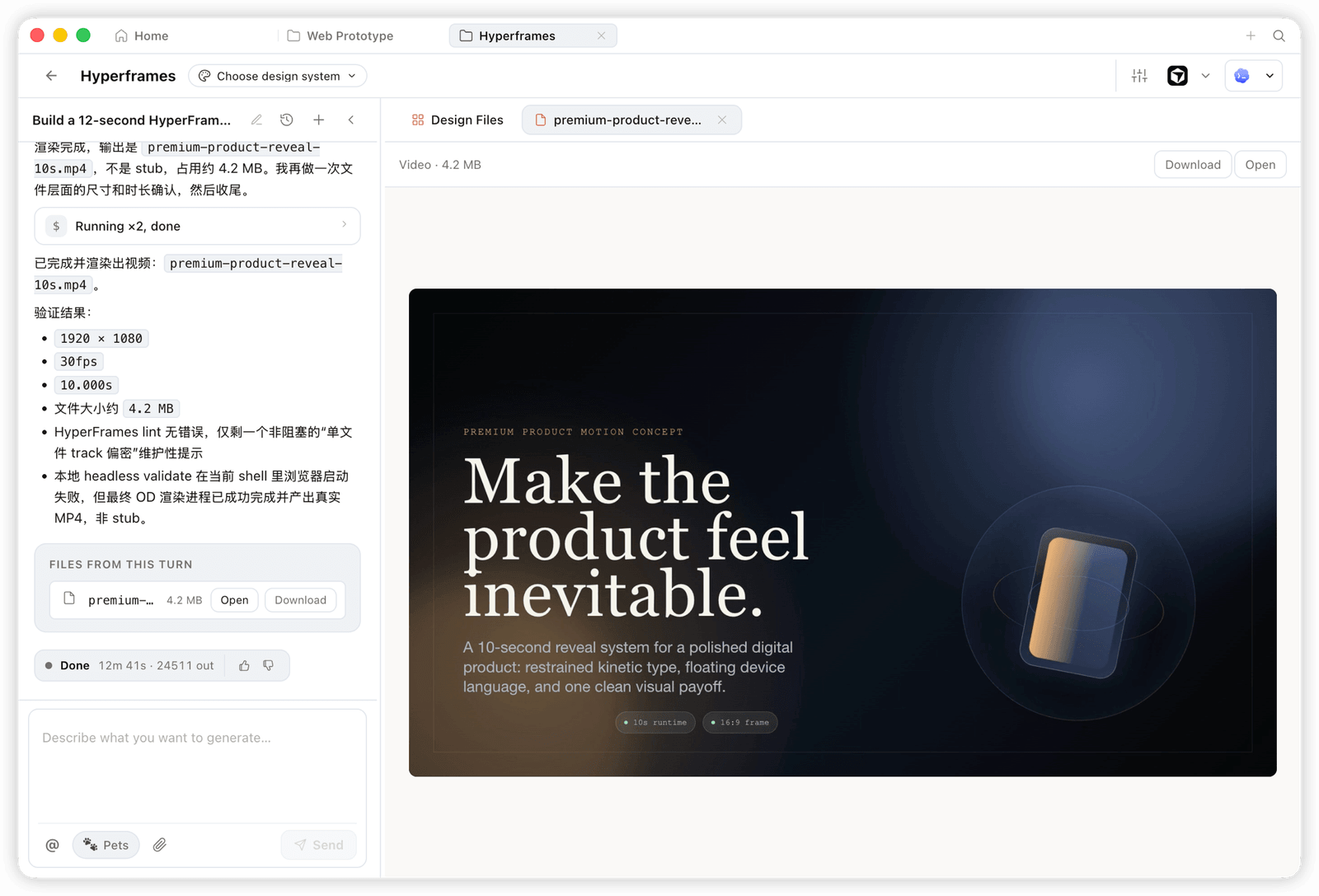 HyperFrame — programmatic motion and animated graphics, rendered to a real MP4 (e.g. 1920×1080 · 30fps). |
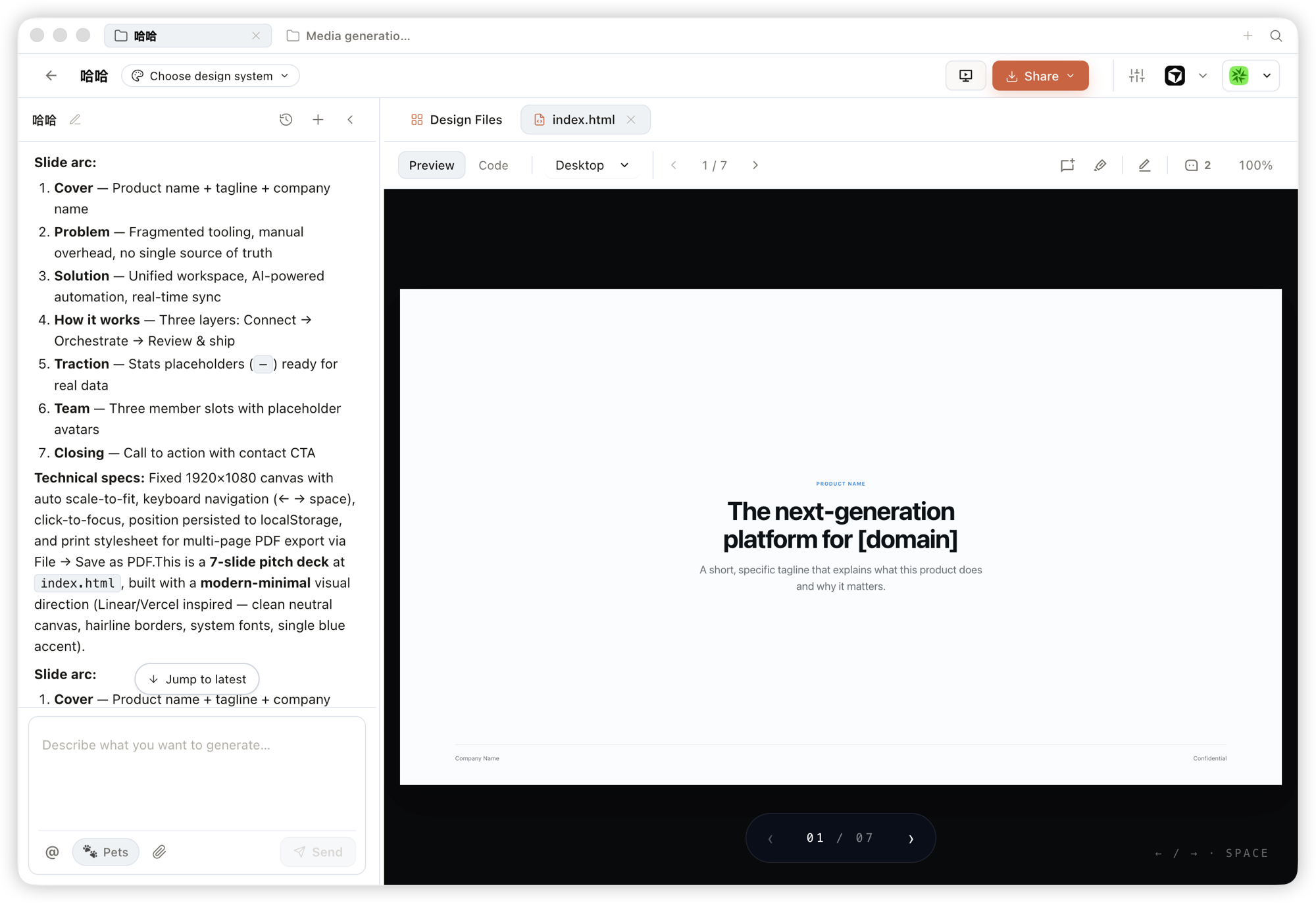 Deck — pitch decks you can page through, navigate by keyboard, and export to PPTX / PDF. |
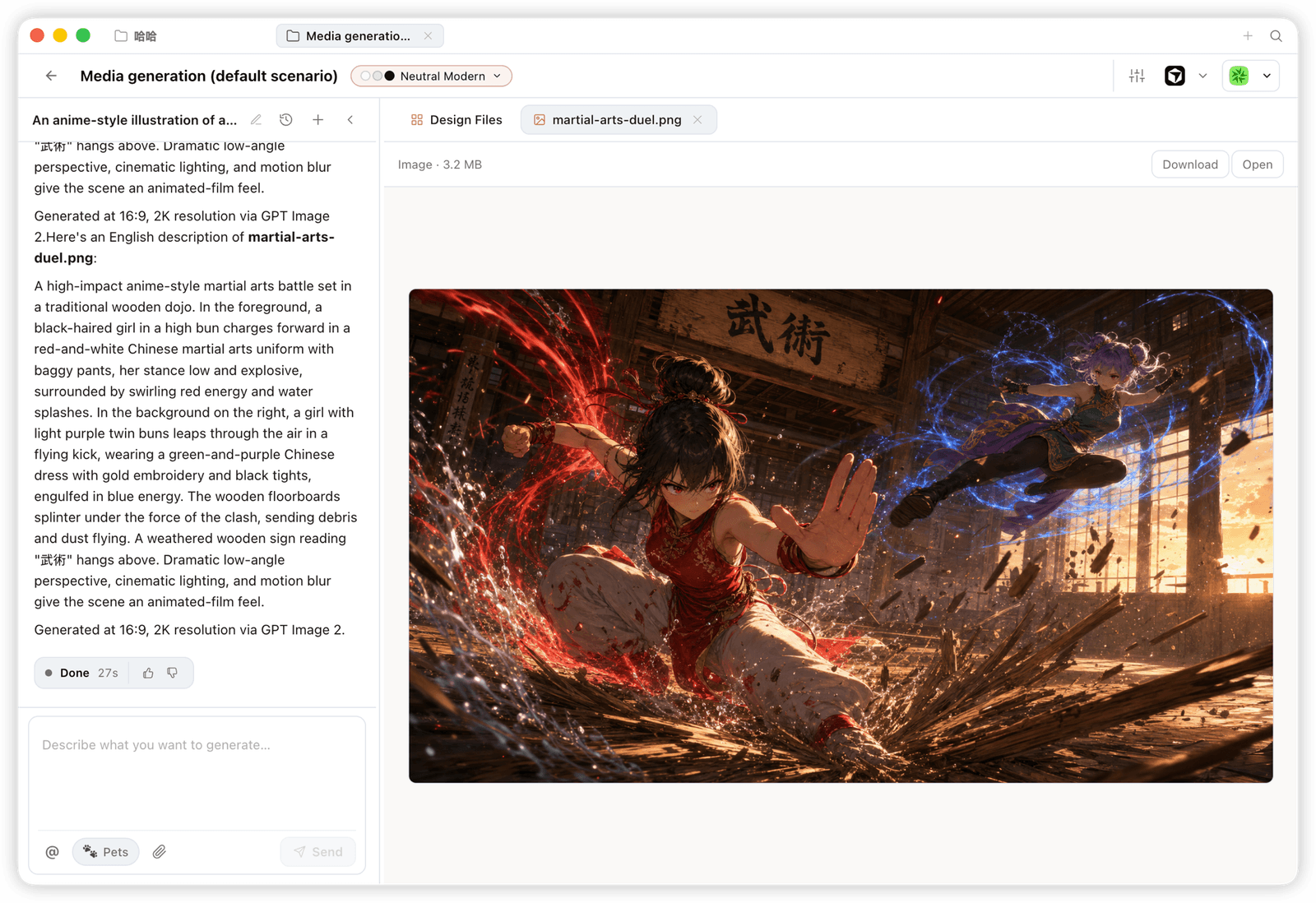 Image — brand-grade images and visual assets, with high-resolution generation and download. |
 Entry view — pick a skill, pick a design system, type the brief. One surface for prototypes, dashboards, decks, mobile apps, magazine pages. |
 Mobile prototype — pixel-accurate iPhone 15 Pro chrome, multi-screen flows. The agent never redraws the phone frame; shared device frames live in assets/frames/.
|
 Web prototype — an editorial dashboard with scrollbars, KPIs, and charts. Rendered straight from design-templates/dating-web/.
|
 Mobile app prototype — a three-screen gamified flow with XP ribbons and quest detail. Hand off straight to Cursor / Codex / Claude Code to turn into React/Next/Vue. |
 Live dashboard — an editable KPI wall whose tweaks panel surfaces the parameters worth nudging. The agent emits a manifest, and the iframe re-renders without a reload. |
 Decision room — a multi-source briefing artifact for product / research / ops meetings. |
 GitHub-style dashboard — repo metrics presented as a live artifact. |
 Flow live-dashboard template — a domain-specific KPI template, branded through the active DESIGN.md.
|
 Deck mode (guizang-ppt) — magazine layouts, WebGL hero, P0/P1/P2 checklists. Bundled verbatim from op7418/guizang-ppt-skill with its original license preserved.
|
 Swiss International-style deck — grid-anchored, monochrome accents. One of 15 deck templates and 36 themes under design-templates/html-ppt-*/.
|
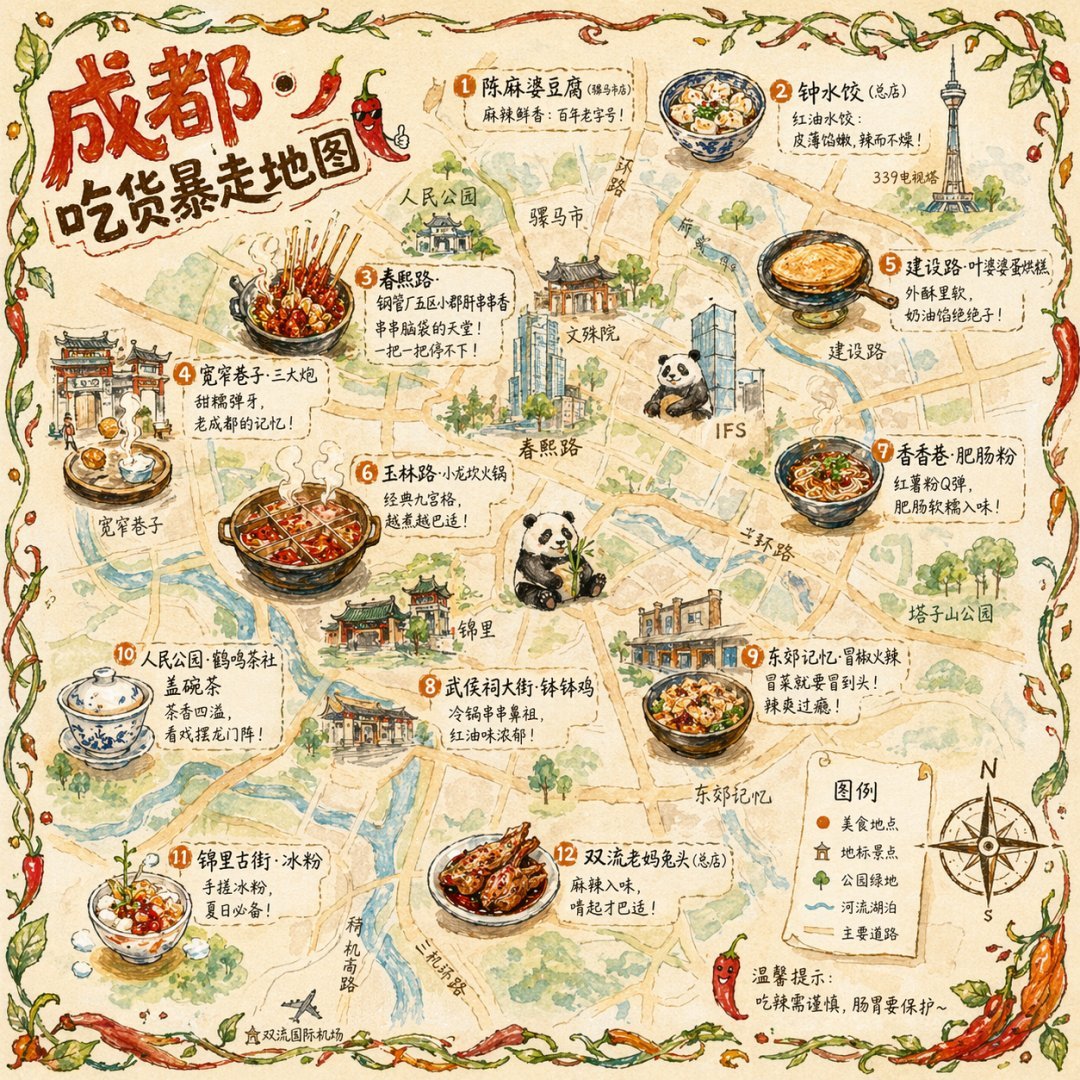 Illustrated city food map Hand-drawn editorial travel poster |
 Cinematic elevator scene Single-frame editorial still |
 Cyberpunk portrait Profile avatar — neon face text |
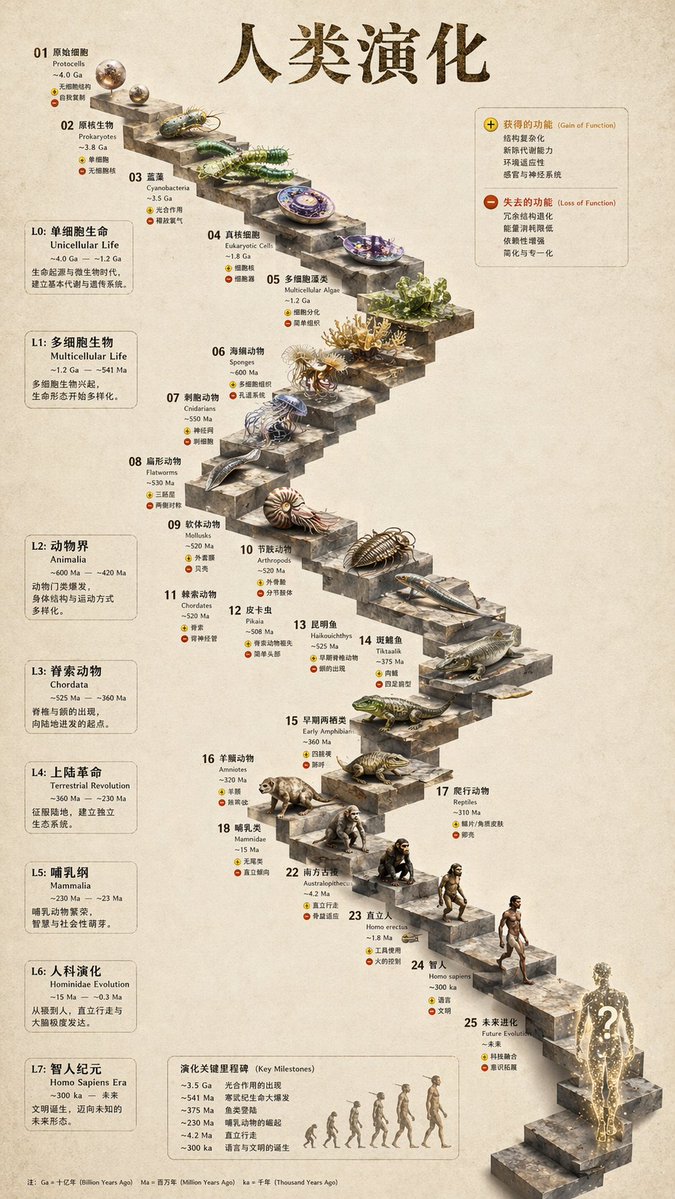 3D stone staircase Hewn-stone infographic |
 Glamorous portrait Editorial studio shot |
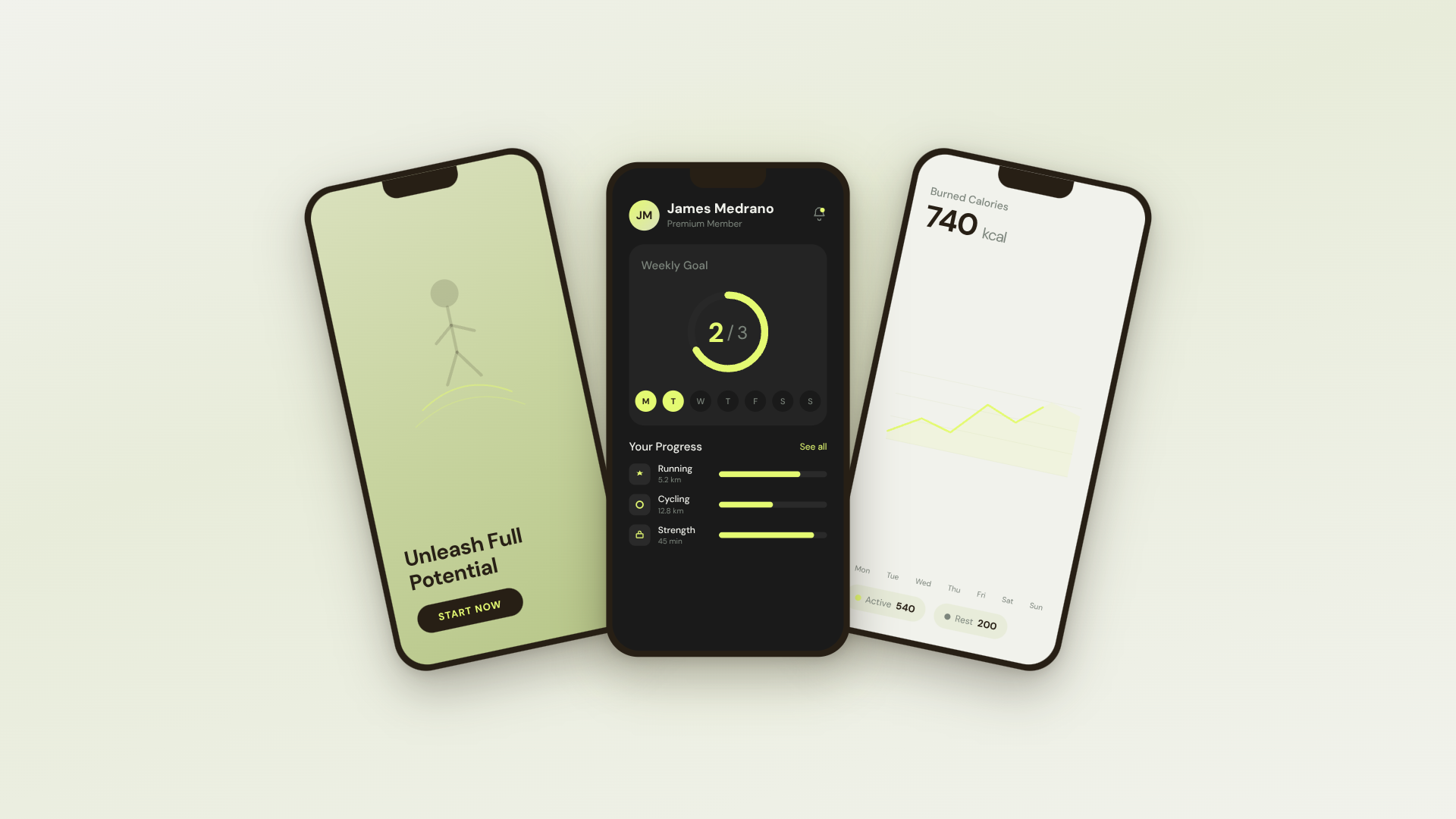 30s SaaS product promo · 16:9 · UI 3D reveals |
 TikTok karaoke talking-head · 9:16 · TTS + word-synced captions |
 30s brand sizzle reel · 16:9 · audio-reactive kinetic type |
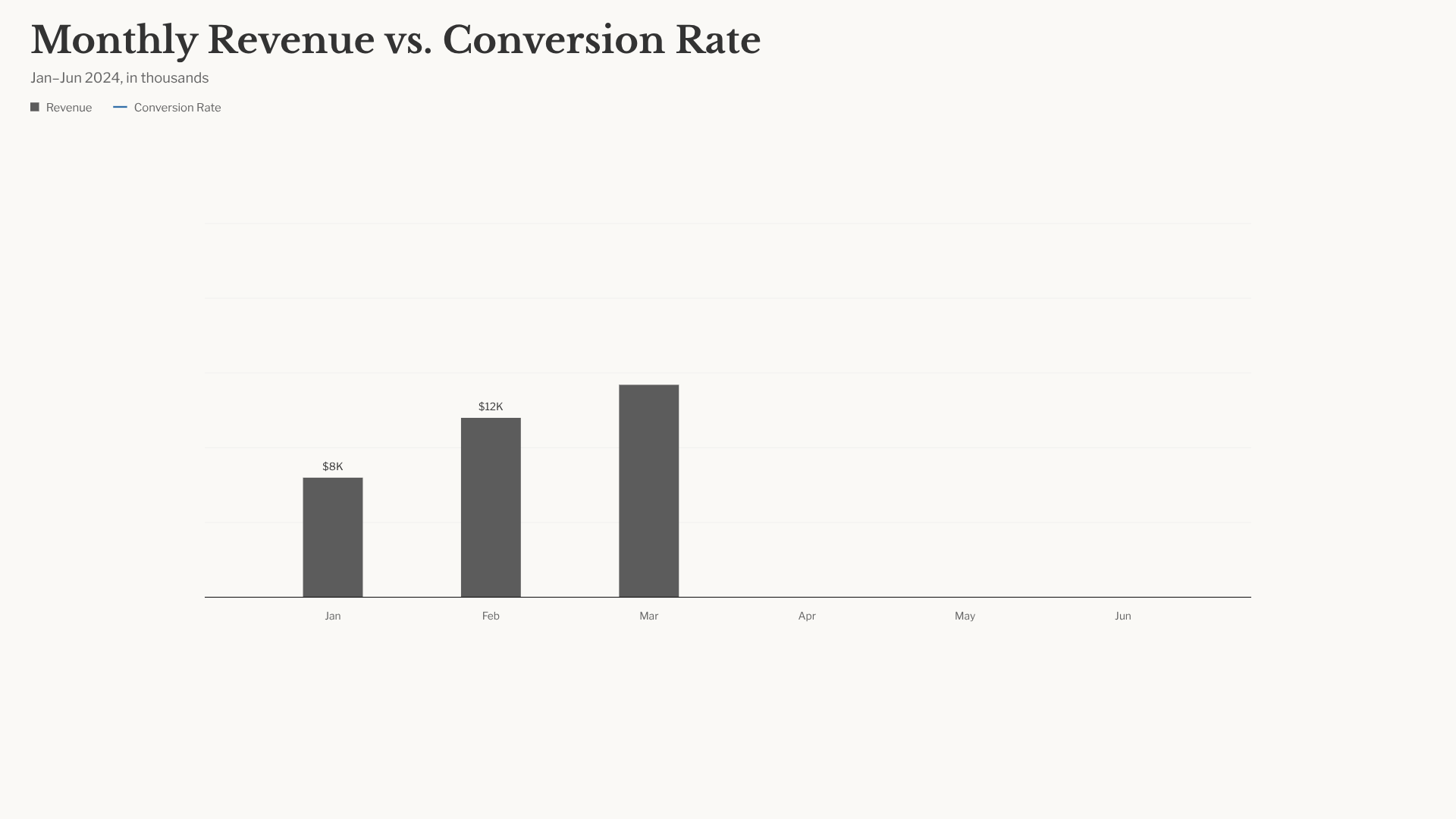 Bar chart race · 16:9 · NYT-style data infographic |
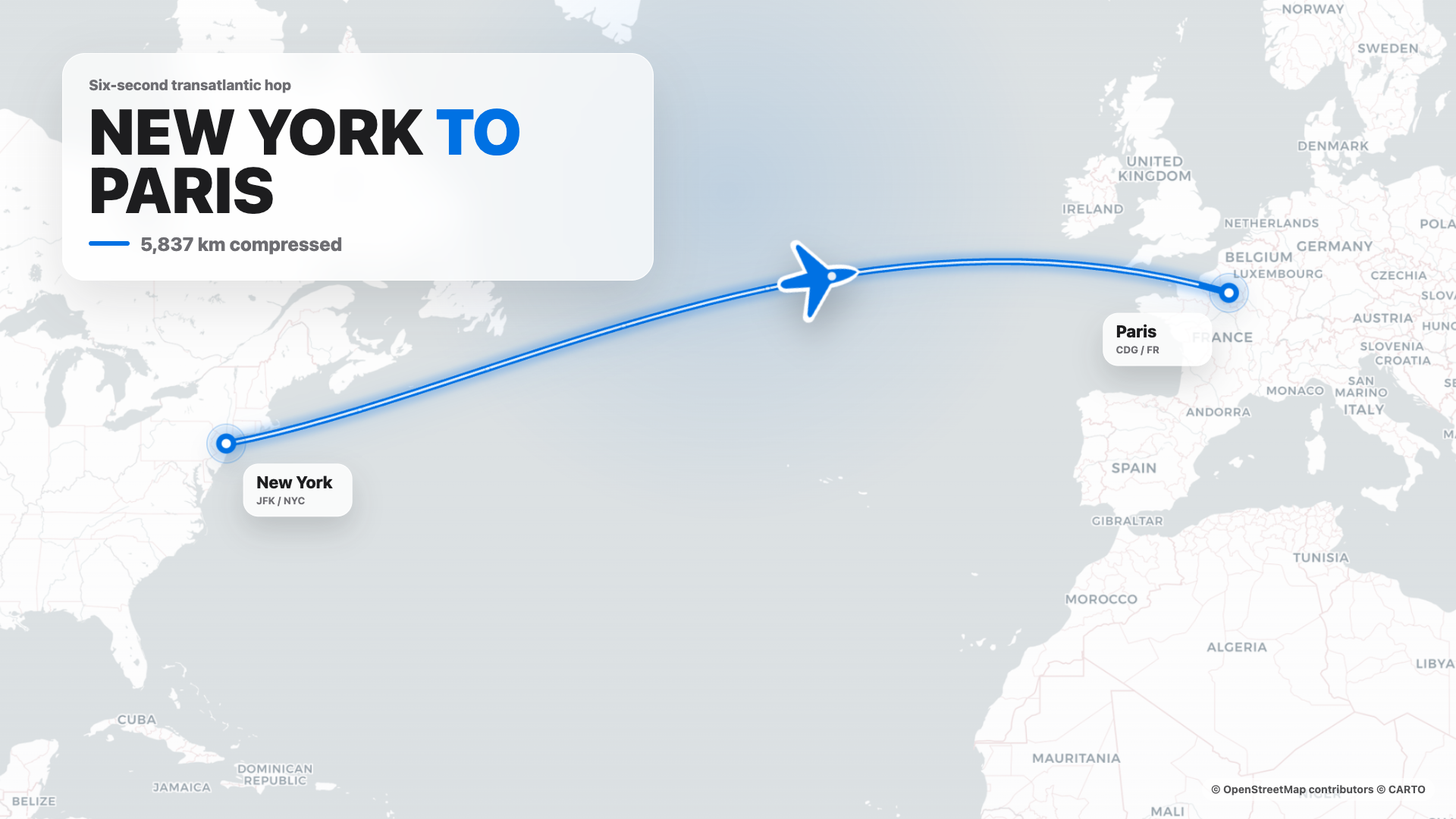 Flight map · 16:9 · Apple-style route reveal |
4s cinematic logo outro · 16:9 · piece-by-piece assembly + bloom |
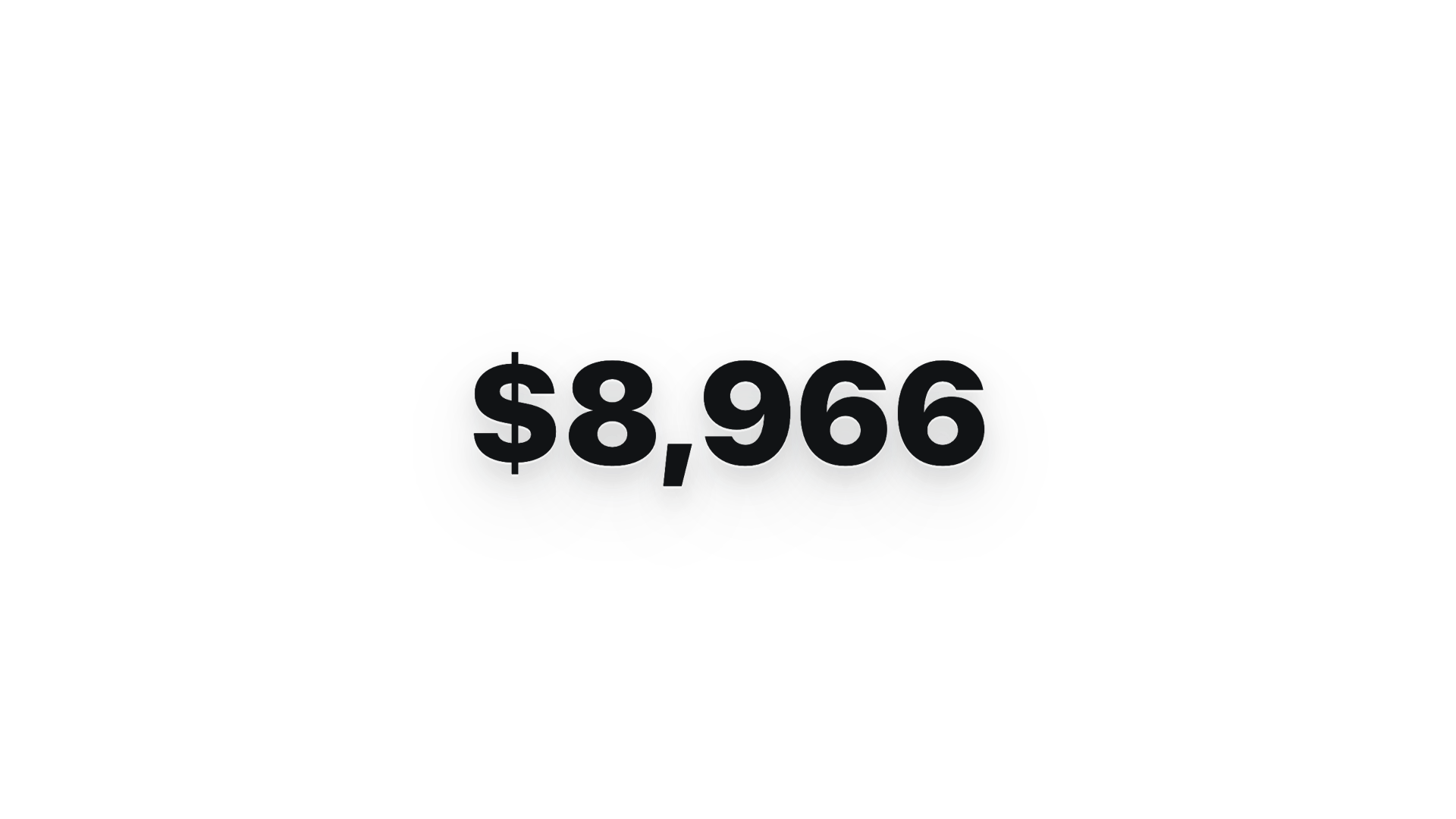 $0 → $10K money counter · 9:16 · Apple-style hype |